
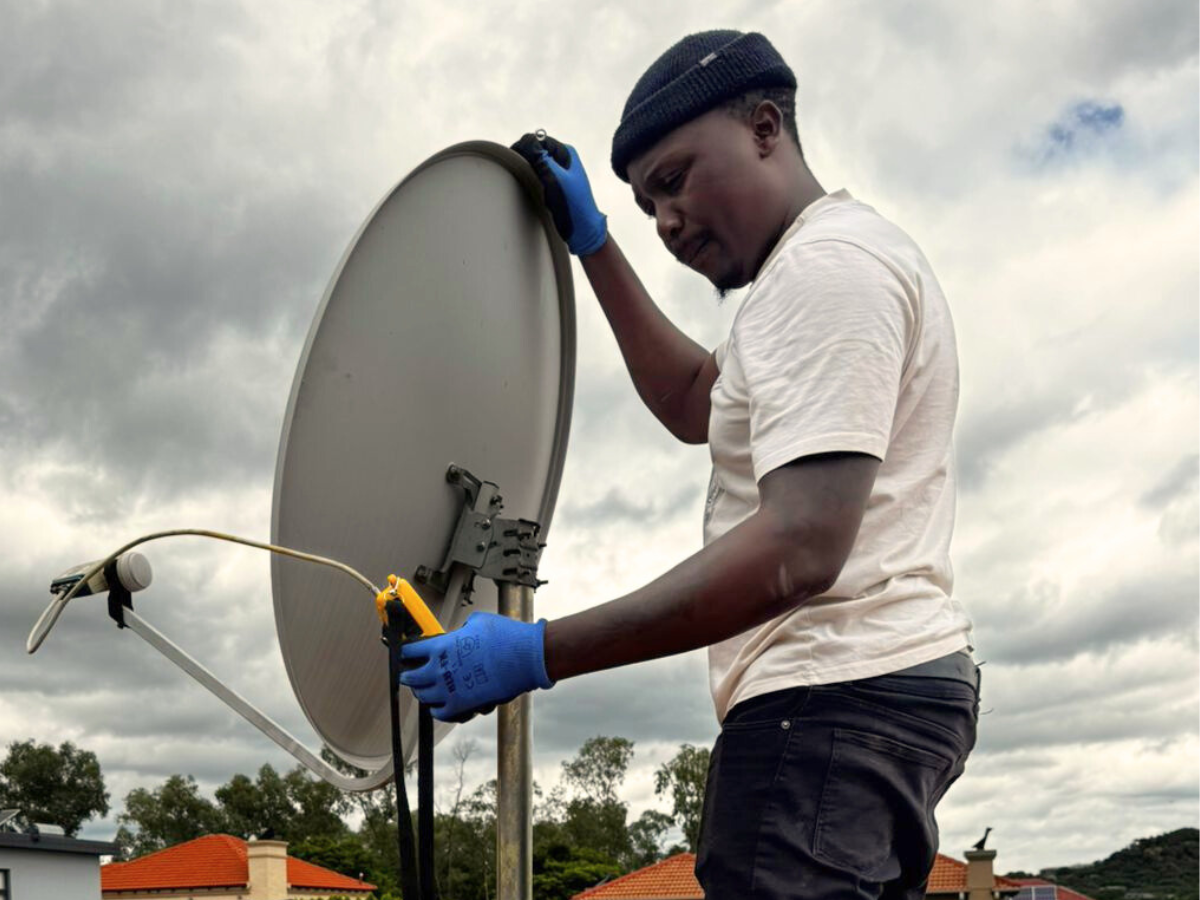

If you’re a DStv user in South Africa, there’s a good chance you’ve experienced the frustration of "No Signal" errors, pixelated images, or interrupted broadcasts—especially during bad weather or after a home renovation. While many people rush to buy a signal booster, the real culprit behind these issues is often something else: dish misalignment.
So how do you know what’s really causing your DStv issues? In this article, we unpack the difference between dish alignment and signal boosters, and help you identify the right solution.
📡 What Is Dish Alignment?
Dish alignment refers to the precise positioning of your satellite dish to receive a strong, uninterrupted signal from MultiChoice’s satellite. Even a minor shift in angle or elevation can result in poor or no signal.
✅ Correct alignment ensures:
-
Strong signal quality
-
Stable viewing during storms or wind
-
Access to all subscribed channels
-
Optimal decoder performance
Strong signal quality
Stable viewing during storms or wind
Access to all subscribed channels
Optimal decoder performance
📉 Signs Your Dish Is Misaligned
-
"No Signal" message on screen
-
Missing channels or some not working
-
Picture freezing or pixelating (especially on HD channels)
-
Signal quality below 50% when checked on the decoder settings
-
Issues after windstorms, renovations, or physical interference (e.g. birds, trees)
"No Signal" message on screen
Missing channels or some not working
Picture freezing or pixelating (especially on HD channels)
Signal quality below 50% when checked on the decoder settings
Issues after windstorms, renovations, or physical interference (e.g. birds, trees)
⚙️ What Is a Signal Booster?
A signal booster (also known as an amplifier) is a device designed to enhance weak signals over long cable distances or when using splitters/multiple TVs. It doesn’t generate a signal — it simply strengthens an existing one.
✅ When a booster is useful:
-
You're running signal to multiple rooms (dual view/XtraView)
-
Cable length is over 25-30 meters
-
Signal loss due to resistance or poor cabling
You're running signal to multiple rooms (dual view/XtraView)
Cable length is over 25-30 meters
Signal loss due to resistance or poor cabling
🆘 Signal Booster vs. Dish Alignment – Which Do You Need?
Problem Likely Cause Best Fix You lost signal after bad weather Dish misalignment Realign dish Some channels work, others don’t Dish slightly off or faulty LNB Alignment or LNB replacement Signal weak across multiple TVs Long cables or poor splitting Signal booster You just moved your dish Poor realignment Professional alignment You have pixelation only on one TV Faulty connection or cable Check splitter, replace cable Your signal drops randomly LNB degradation or dish wobble Inspect dish and replace parts
| Problem | Likely Cause | Best Fix |
|---|---|---|
| You lost signal after bad weather | Dish misalignment | Realign dish |
| Some channels work, others don’t | Dish slightly off or faulty LNB | Alignment or LNB replacement |
| Signal weak across multiple TVs | Long cables or poor splitting | Signal booster |
| You just moved your dish | Poor realignment | Professional alignment |
| You have pixelation only on one TV | Faulty connection or cable | Check splitter, replace cable |
| Your signal drops randomly | LNB degradation or dish wobble | Inspect dish and replace parts |
⚠️ The Problem with Using a Booster as a Quick Fix
Using a signal booster to mask dish misalignment is like putting a plaster on a leaking pipe. It might work temporarily, but the root problem remains. In fact, amplifying a weak or noisy signal can actually make things worse, creating distorted signals and more viewing issues.
🧰 When to Call a Professional
If you’ve tried rebooting your decoder and checked all cables, and you're still getting poor signal, it’s time to call a DStv technician. A professional will:
-
Use a satellite signal meter to test strength and quality
-
Precisely realign the dish
-
Check for LNB or cabling faults
-
Advise on whether a booster is actually needed
💡 Pro Tip: Check Your Decoder Signal Strength
You can check signal quality yourself:
-
Press "Menu" on your DStv remote.
-
Go to Settings > Satellite Settings > Home Network > Signal Strength.
-
Signal quality should be above 75% for optimal performance.
If your signal quality is below 50%, it's most likely a dish alignment issue — not a signal booster problem.
📍 Conclusion: Fix the Source, Not the Symptoms
In most cases, DStv signal problems are caused by poor dish alignment, not weak signal strength. Boosters are helpful in very specific scenarios, but they should never be the first solution to signal loss.
If you're in Gauteng and experiencing signal issues, our certified installers can diagnose the problem fast — whether it’s alignment, faulty hardware, or a real need for a booster.